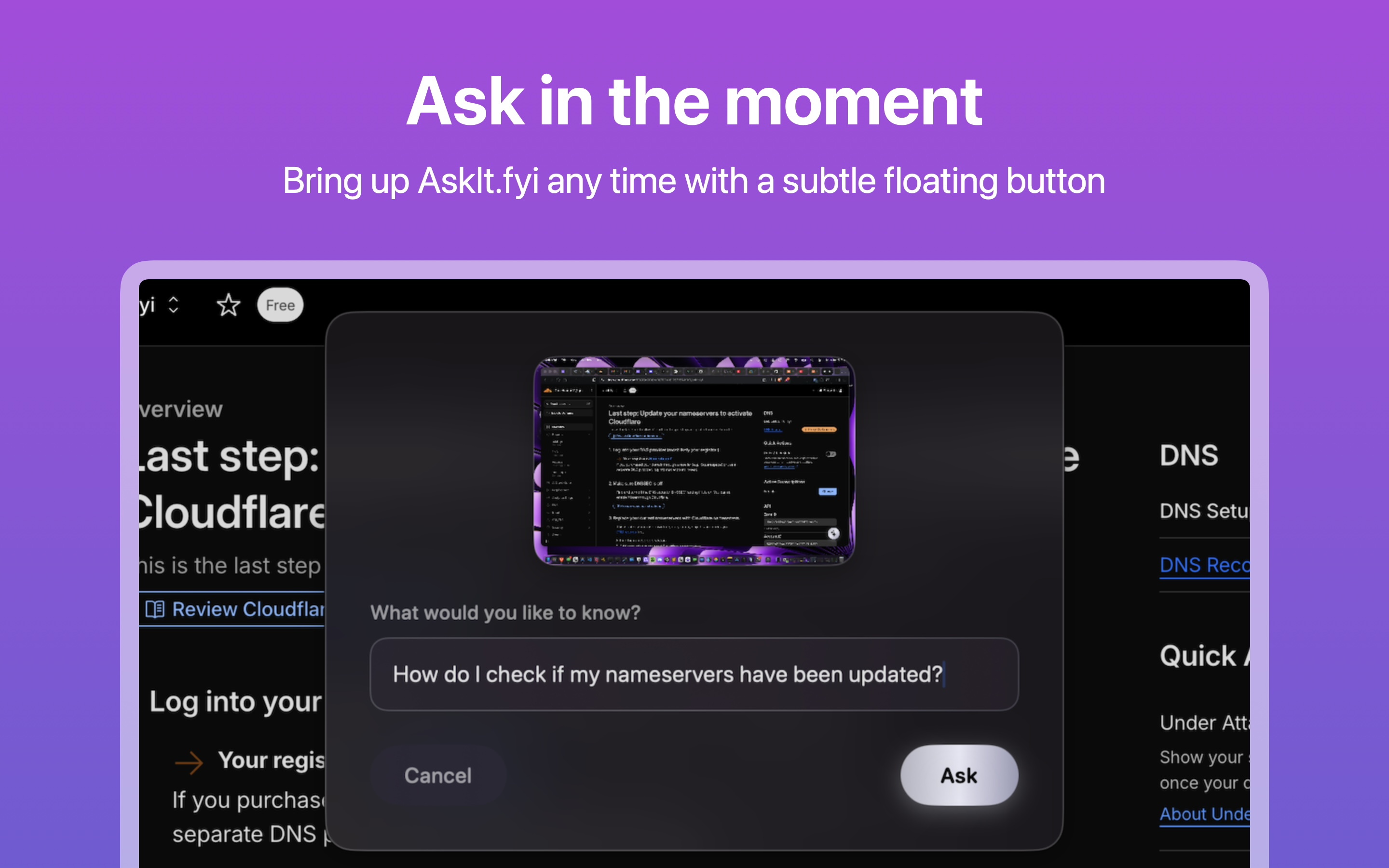
A subtle floating button that lives on your screen, ready to answer questions about whatever you're looking at—instantly, and in context.

Everything you need in an intelligent screen companion
Click the floating button to capture your screen and get immediate AI-powered explanations about anything you see.
Enjoy a stunning glass-styled interface with formatted responses that are easy to read and understand.
The floating button stays on your screen, ready to help whenever you need it. Move it freely to your preferred position.
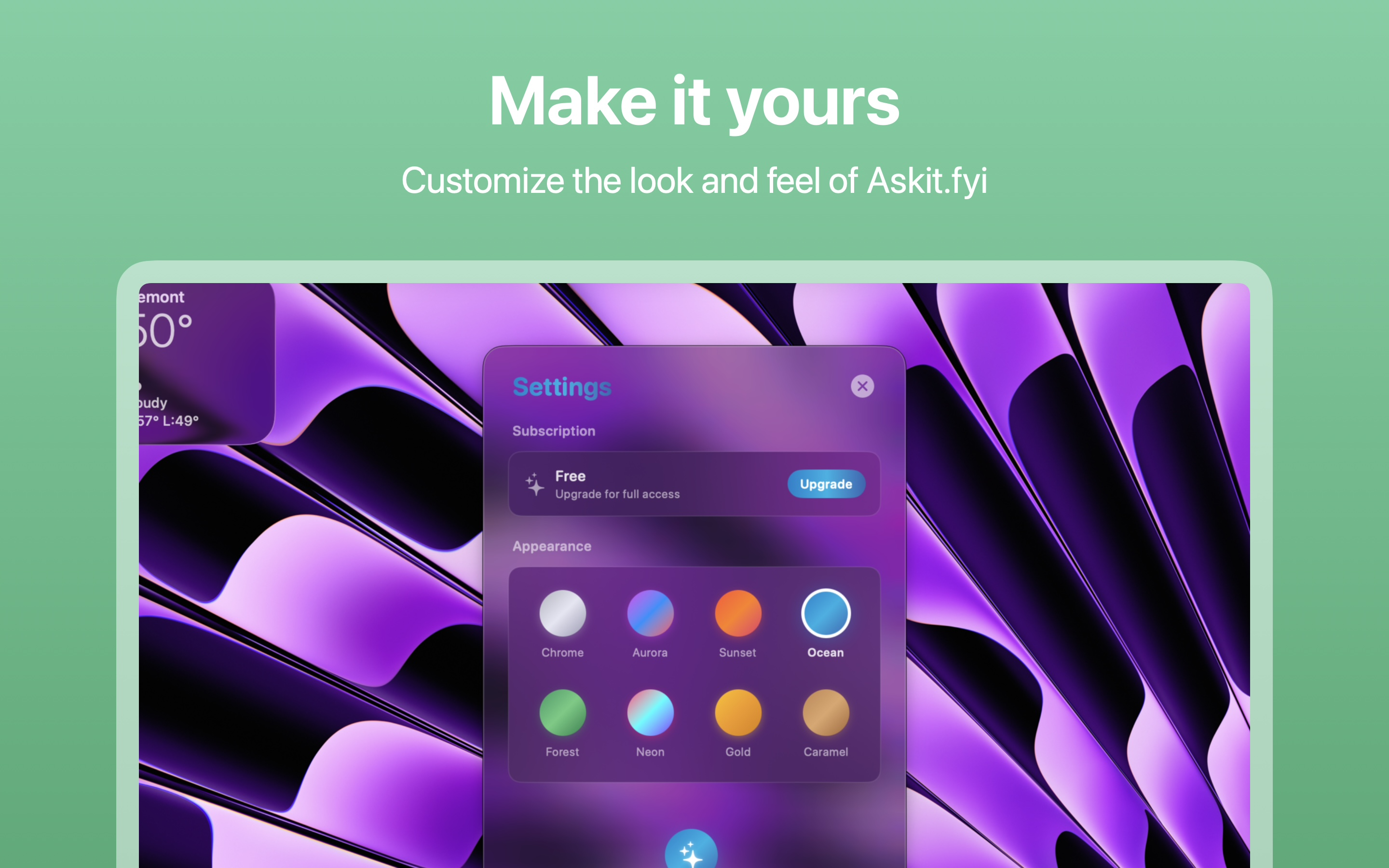
Choose from a variety of beautiful color themes to match your personal style and workspace.
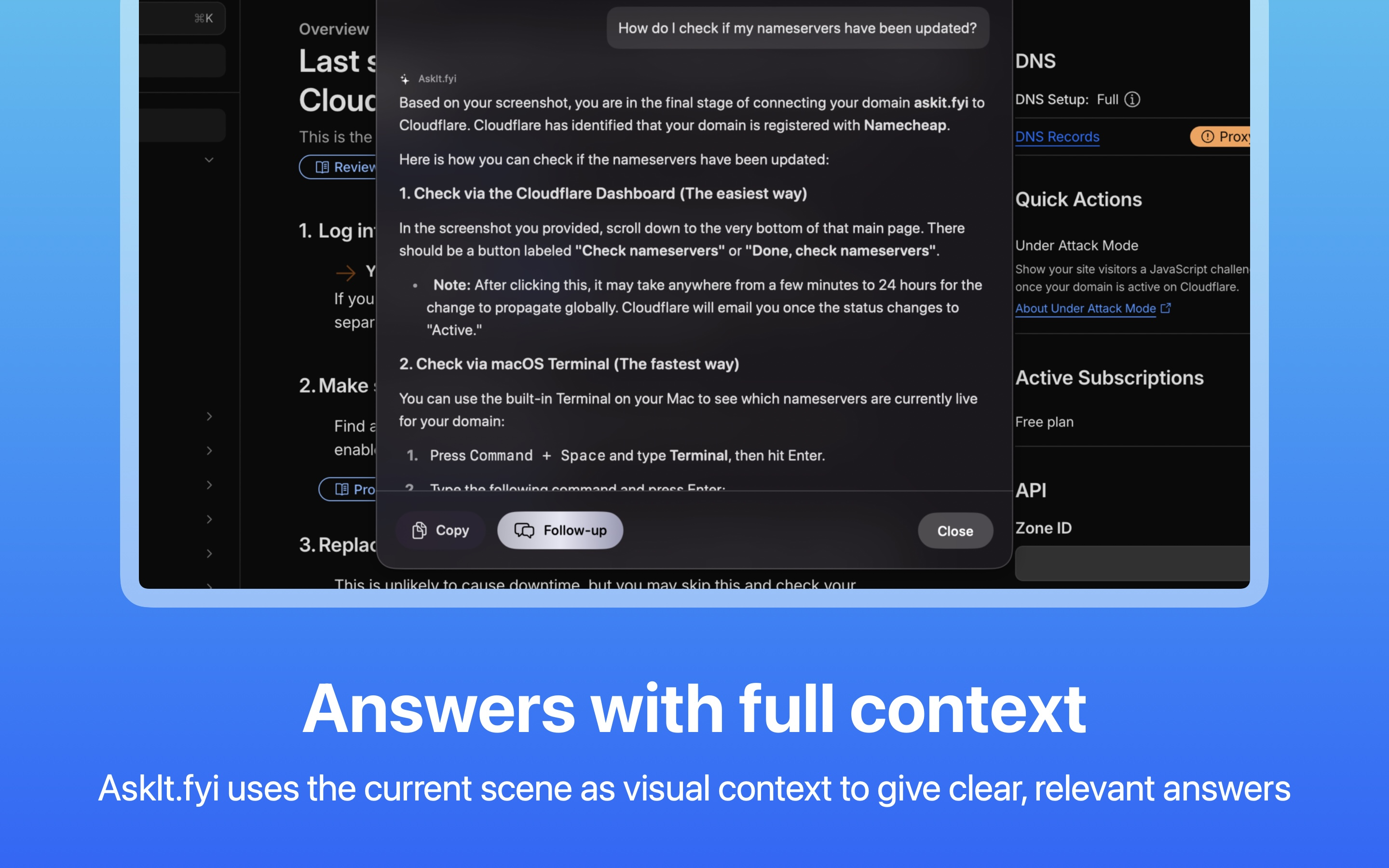
Understands your screen content—code, charts, text, images—and provides relevant, intelligent responses.
Get beautifully formatted answers with syntax highlighting, lists, and structured content for maximum clarity.
Three simple steps to get instant answers
The AskIt.fyi button lives on your screen as a subtle, always-accessible companion. Move it anywhere you like—it stays out of your way until you need it.
Simply click the button to capture your screen and type your question. Whether you're debugging code, reading docs, or analyzing data—just ask.
Receive immediate, formatted AI explanations in a beautiful interface. Copy answers, ask follow-ups, or close and continue working.
Beautiful, intelligent, always ready
Choose the plan that works best for you
We take your privacy seriously. AskIt.fyi is built with privacy at its core—your data belongs to you and only you.
Your questions and screen captures are never stored on our servers
Your data is never viewed, analyzed, or reviewed by our team
Your data is never used to train or improve AI models
Requests are processed in real-time and immediately discarded
With the BYO API Key option, your data goes directly to your chosen provider.
Download AskIt.fyi for macOS and transform how you interact with your screen.
macOS 11.0 or later required